oss-browserYour OSS files, at home on your desktop.
Browse, transfer, preview and share files in Alibaba Cloud OSS from one native desktop workspace.
Browse, transfer, preview and share files in Alibaba Cloud OSS from one native desktop workspace.
Development preview — The app is in development preview. Published installers and production signing are not yet verified; real-account OSS and Windows/Linux desktop acceptance are still pending. See the availability guide before trying it. Get the app
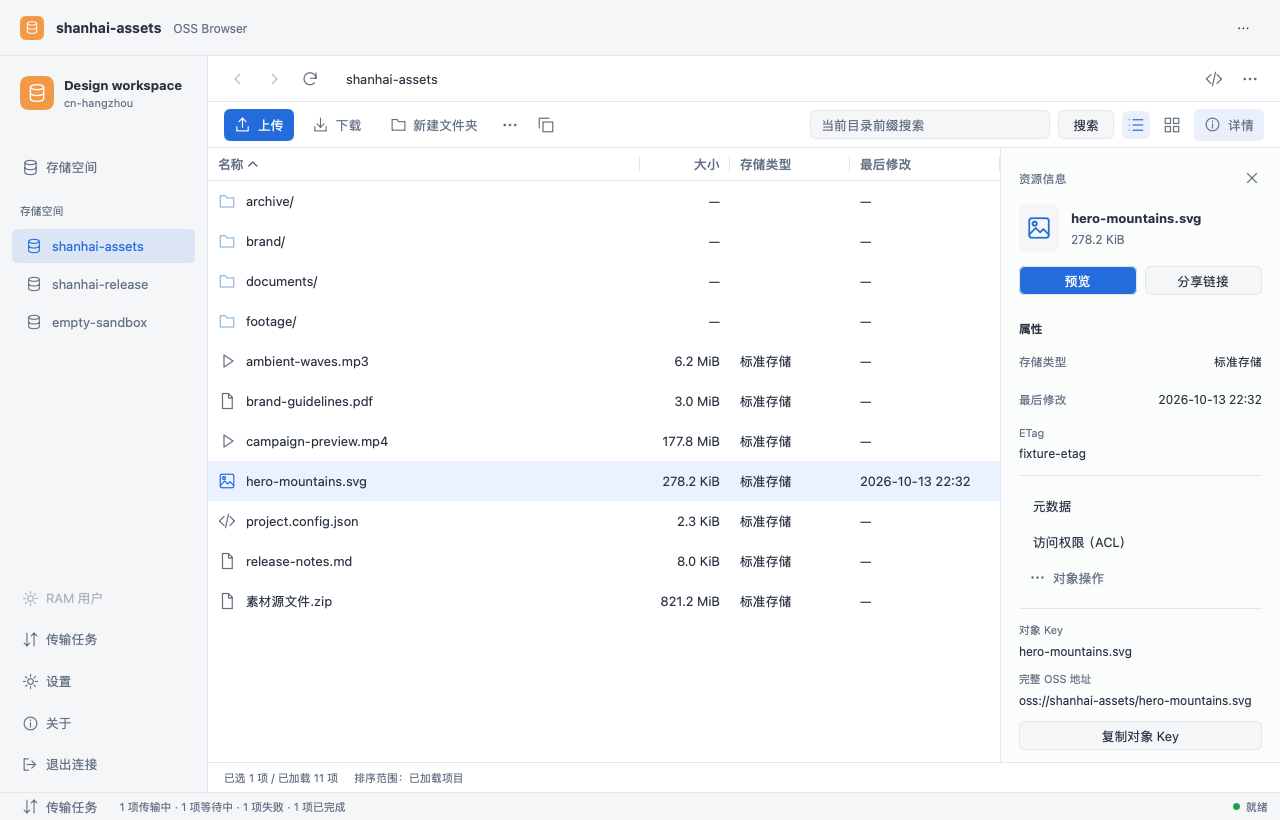
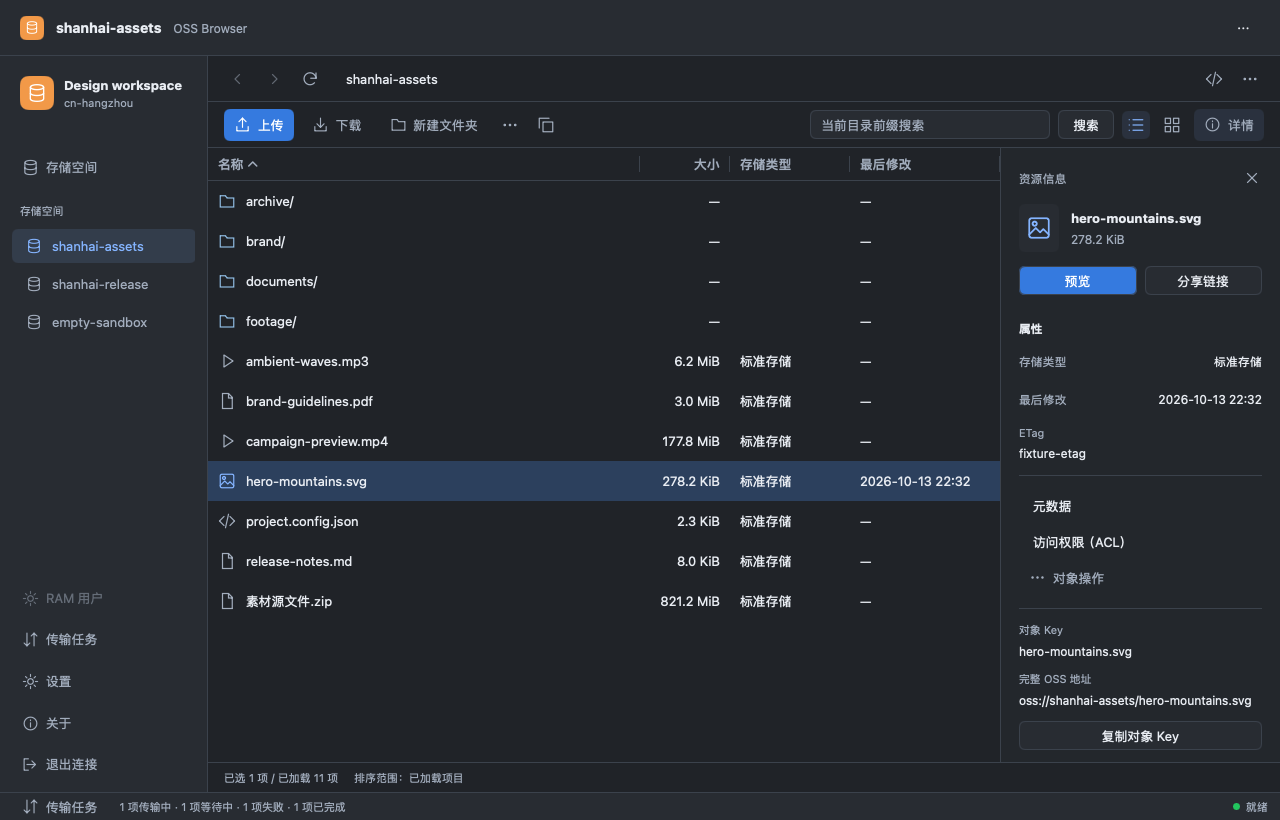
Browse buckets and folders, search by prefix and keep frequently used folders in bookmarks.
Upload or download files and folders. Review conflicts, track progress and retry unfinished transfers after reconnecting.
Preview images and text, save edited copies and create expiring share links without leaving the workspace.
Connect with AccessKey, STS or a compatible authorization code. Open a bucket, select a file and start a transfer. Five interface languages and system, light or dark appearance let you make the workspace your own.
Check connection and transfer troubleshooting, or open an issue with your app version, operating system and steps to reproduce. Remove keys, tokens and signed URLs before sharing logs.